


Changing Display Settings

Mar 31, 2026
 0
0
Changing Display Settings On The Computer
This article helps with changing around two or more screens.
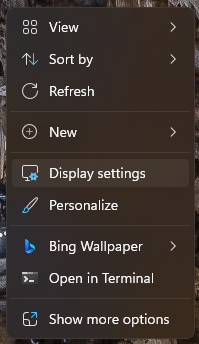
1. Right click on the Desktop and go to Display Settings
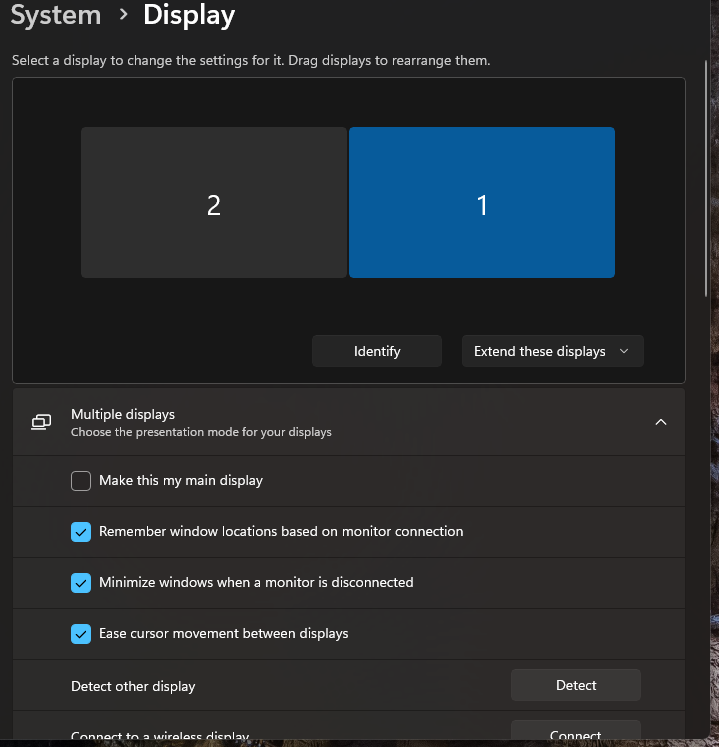
2. Once in the settings menu, you can click either monitor option to edit the settings.
** For the small signature monitors **
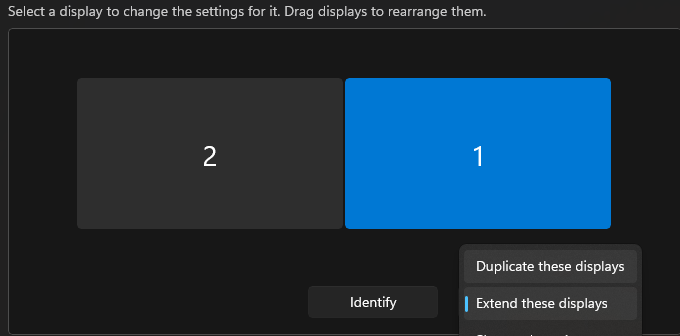
For the touchscreen portion to work on the small monitor, you will need to either have the screens switched to "Duplicate these Displays"
OR
Have the small monitor be the Main Display

This will ensure that the signature monitor is the main source for the touchscreen portion.

