


iLot - Setting Server Options Through App

Nov 08, 2025
 211
211
iLot -Setting Server Options Through App
When a new user is created, the default server in the iLot app may be set incorrectly. You’ll need to update this setting before logging in for the first time.
Follow the steps below to adjust your server settings:
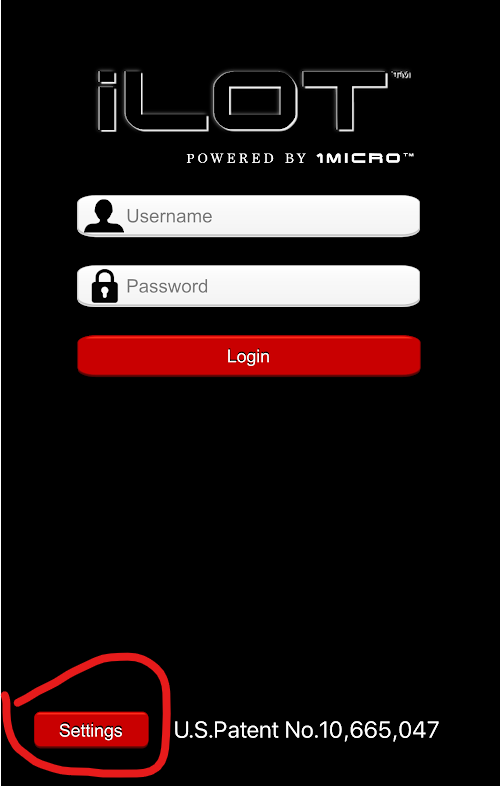
1. On the initial login screen, tap "Settings" in the bottom left corner.
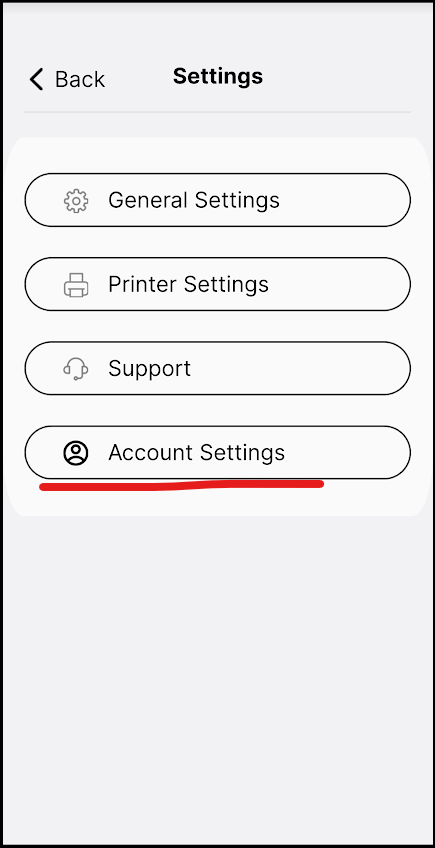
2. Select "Account Settings"
3. Under "Server Options," select "1Micro.net."
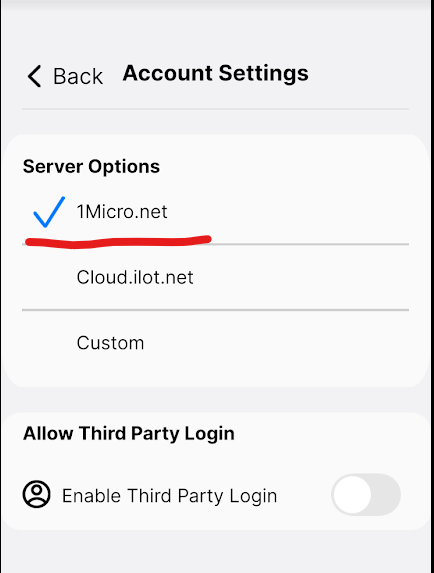
Once the correct server is selected, the user will be able to log in successfully using their provided credentials.

